

Hotel Lobby AI Video Generator
Put two people into the Hotel Lobby AI video trend: the flat orange wall, the silver microphone hanging between them, the hand gestures and the trading of lines. Add one photo for the left performer and one for the right, and get a 10-second Hotel Lobby AI video with a beat.
- 2 photos
- 10 seconds
- Original beat
- No prompt
What People Are Making
Each Hotel Lobby AI video below came from the two photos in its corner, with no editing afterwards.
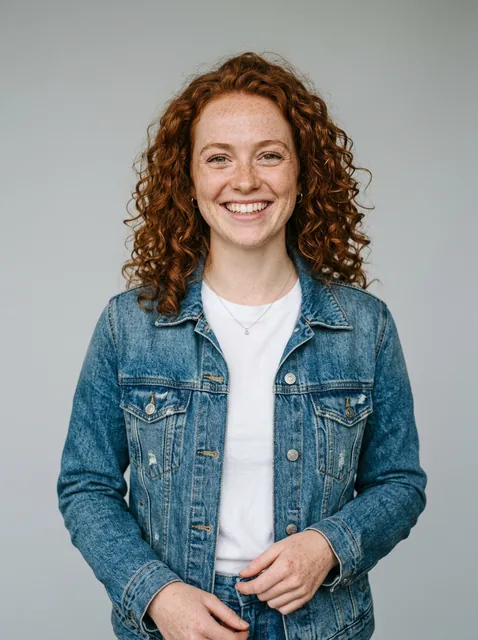
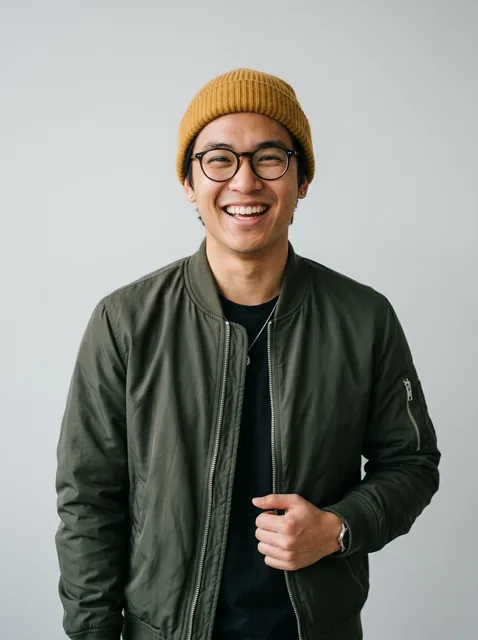
Hotel Lobby AI video of two friends
A woman in a denim jacket and a man in a beanie and bomber jacket trade lines at the mic. Both faces and both outfits come from their photos.
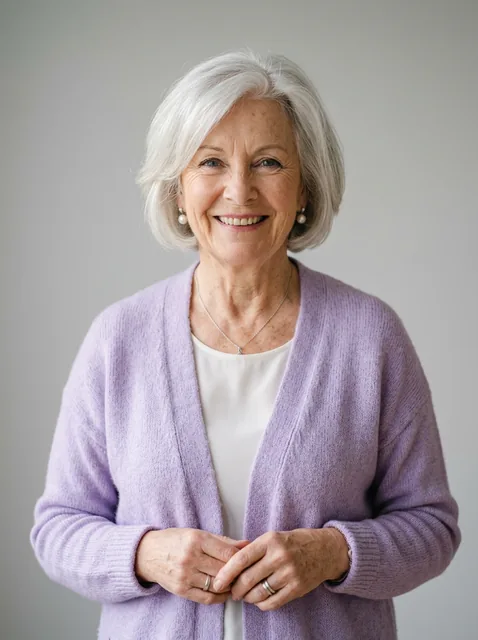
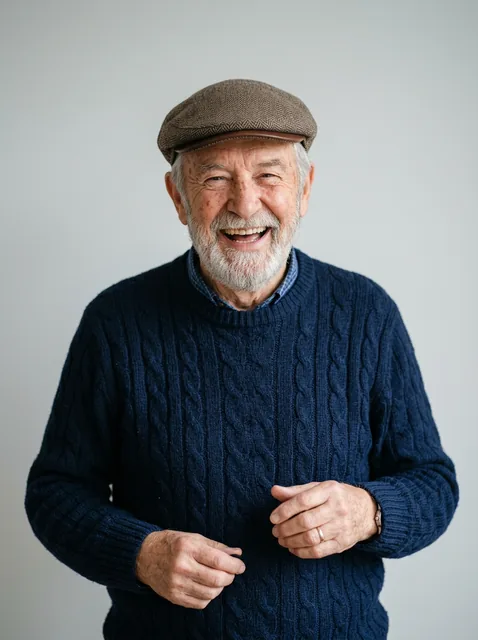
Hotel Lobby AI video of a grandma and grandpa
The contrast is the joke: a grandmother in a lilac cardigan and a grandfather in a flat cap take over the booth.
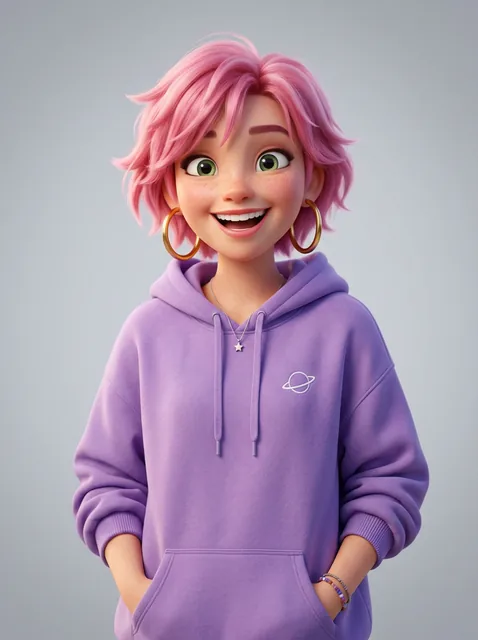
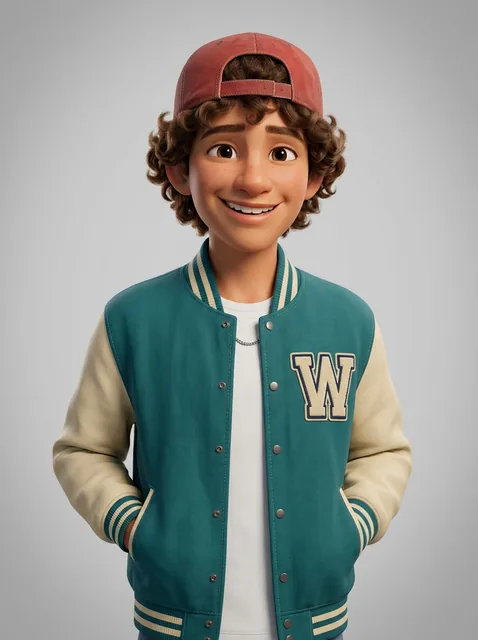
Hotel Lobby AI video of two cartoon characters
Characters work too. Two original 3D cartoon characters perform the same routine, mic and orange wall included.
How to Make a Hotel Lobby AI Video
- 1
Add two photos
Photo 1 becomes the performer on the left of your Hotel Lobby AI video, photo 2 the one on the right. One person per photo, facing the camera.
- 2
Pick the quality
Standard is 480p for 10 credits; HD is 720p for 20. Confirm you may use both photos, then press Create.
- 3
Download and post
Your Hotel Lobby AI video lands in My videos as a 10-second MP4, and we email you when it is ready.
Best Photos for a Hotel Lobby AI Video
One person per photo
Crop group shots so each photo shows one clear face. Two separate photos, never one photo of both.
Waist up or more
The booth is framed waist up, so show at least the upper body. The outfit in the photo is the outfit on stage.
Face the camera
A sharp, front-facing face in even light keeps the likeness. Skip sunglasses, masks and heavy filters.
Adults with permission
Only upload photos of adults who agreed to it. No children and no celebrities or public figures.
What Happens in the 10 Seconds
The Hotel Lobby AI video is one continuous take with no cuts, so both performers are on screen the whole time.
0–3 s
Right performer opens
The performer on the right leans into the hanging mic and starts the verse while the left one nods along.
3–6 s
Hands do the talking
Both performers gesture on the beat and turn to each other, waist-up against the orange wall.
6–8 s
Point at the lens
The left performer steps forward and points straight at the camera.
8–10 s
The hype-up
Both performers laugh, gesture at each other and close out the routine.
What Is the Hotel Lobby AI Video Trend?
The look comes from the 2022 A COLORS SHOW performance of "Hotel Lobby" by Quavo and Takeoff, released under their Unc & Phew name: a flat orange backdrop, one hanging microphone and two performers trading lines into it.
In September 2026 AI remakes of that performance took over TikTok, and the Hotel Lobby trend became the AI rap video everyone was making: celebrities, cartoon characters, cats, couples and coworkers in the orange booth.
Our Hotel Lobby AI video is our own take on the format, not the original footage: an original duo routine and an original beat recorded for this template. You keep the orange booth, the hanging mic and the moves; the two performers become the people in your photos.
Hotel Lobby AI Video FAQ
Is the Hotel Lobby AI video generator free?
No. Watching the examples is free, and a Hotel Lobby AI video costs credits. Every trend costs the same: 10 credits at 480p and 20 at 720p. One-time packs start at $9.99 for 10 credits and never expire; monthly plans start at $39.99 for 50 credits a month. There is no free trial.
How many photos do I need?
Two: one for the left performer and one for the right. To rap with yourself, upload two different photos of you.
Does the video include the Hotel Lobby song?
No. Your Hotel Lobby AI video comes with the original beat of our template. Add the trend sound in TikTok, Instagram or YouTube when you post.
Is this the AI rap video from TikTok?
Yes. The AI rap video, the orange-booth rap and the Hotel Lobby trend are the same format: two performers trading lines under one hanging mic.
How long does a Hotel Lobby AI video take?
Usually 3 to 12 minutes. You can close the page: the video waits in My videos and we email you when it is ready.
Can I use pets?
Not yet in this template. For a pet duo, the NEON AI dance takes two pets today.
What if my Hotel Lobby AI video looks wrong?
A failed render returns its credits automatically. If a finished video clearly did not work, report it from My videos within 7 days and we return the credits or refund the payment.
Is this the official Hotel Lobby video?
No. AI Trend Video is an independent tool, not affiliated with Quavo, Takeoff, COLORS or TikTok.
Still have a question? support@aitrendvideo.io